The way you run your studio works.It’s just harder than it needs to be.

- |

Here’s how we do this for you
Practical features designed to lighten your load and support your teaching.
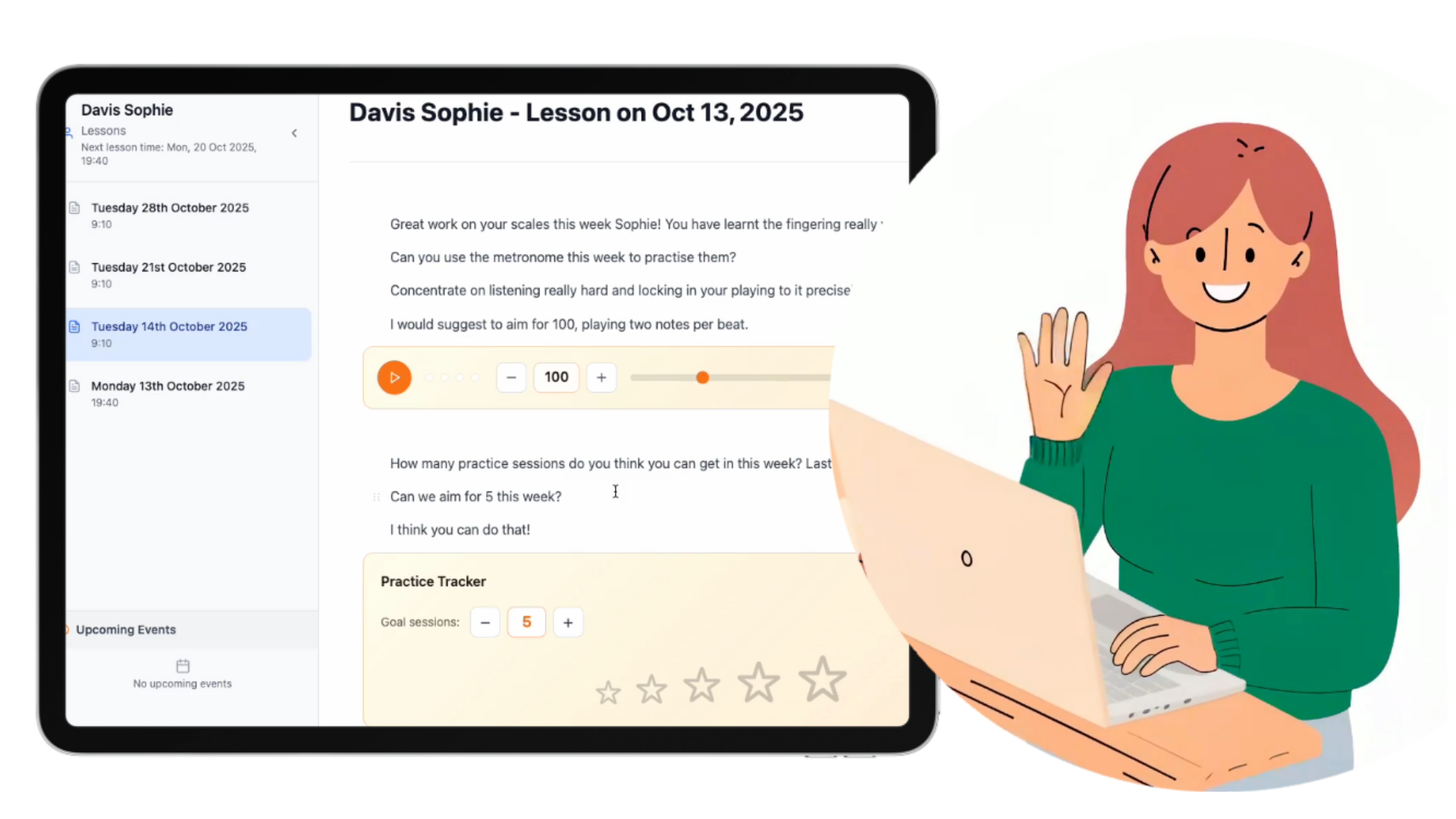
Rich lesson notes
You’re juggling paper notes, forgotten note-books, half-remembered tasks, and “I’ll send that later” promises. By the end of the day, you can’t clearly remember what you covered with each student — and neither can they.
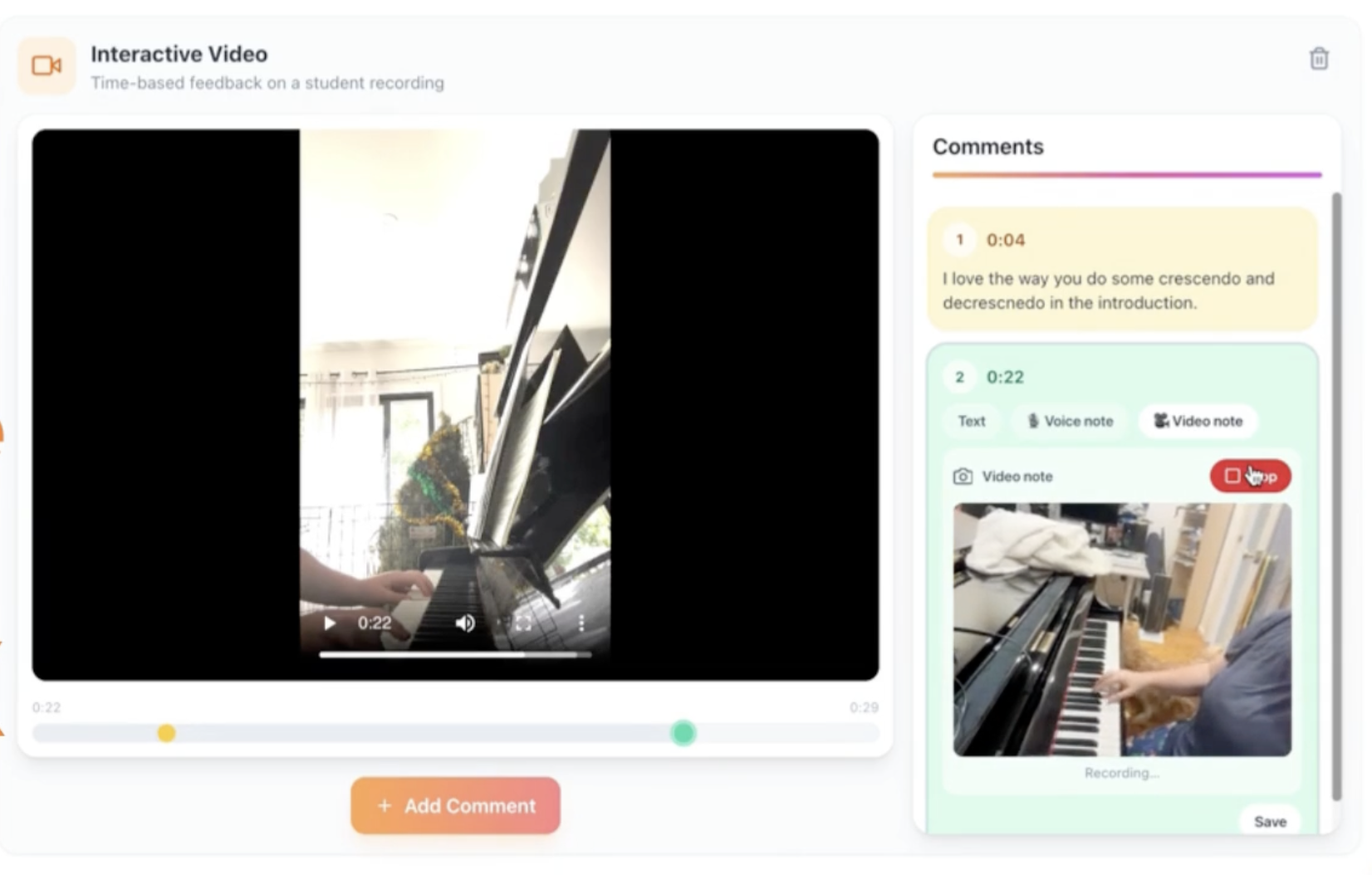
Write beautifully formatted lesson notes during the lesson itself, with embedded audio recordings, links, and clear student tasks. Everything lives in one place, instantly accessible next week.
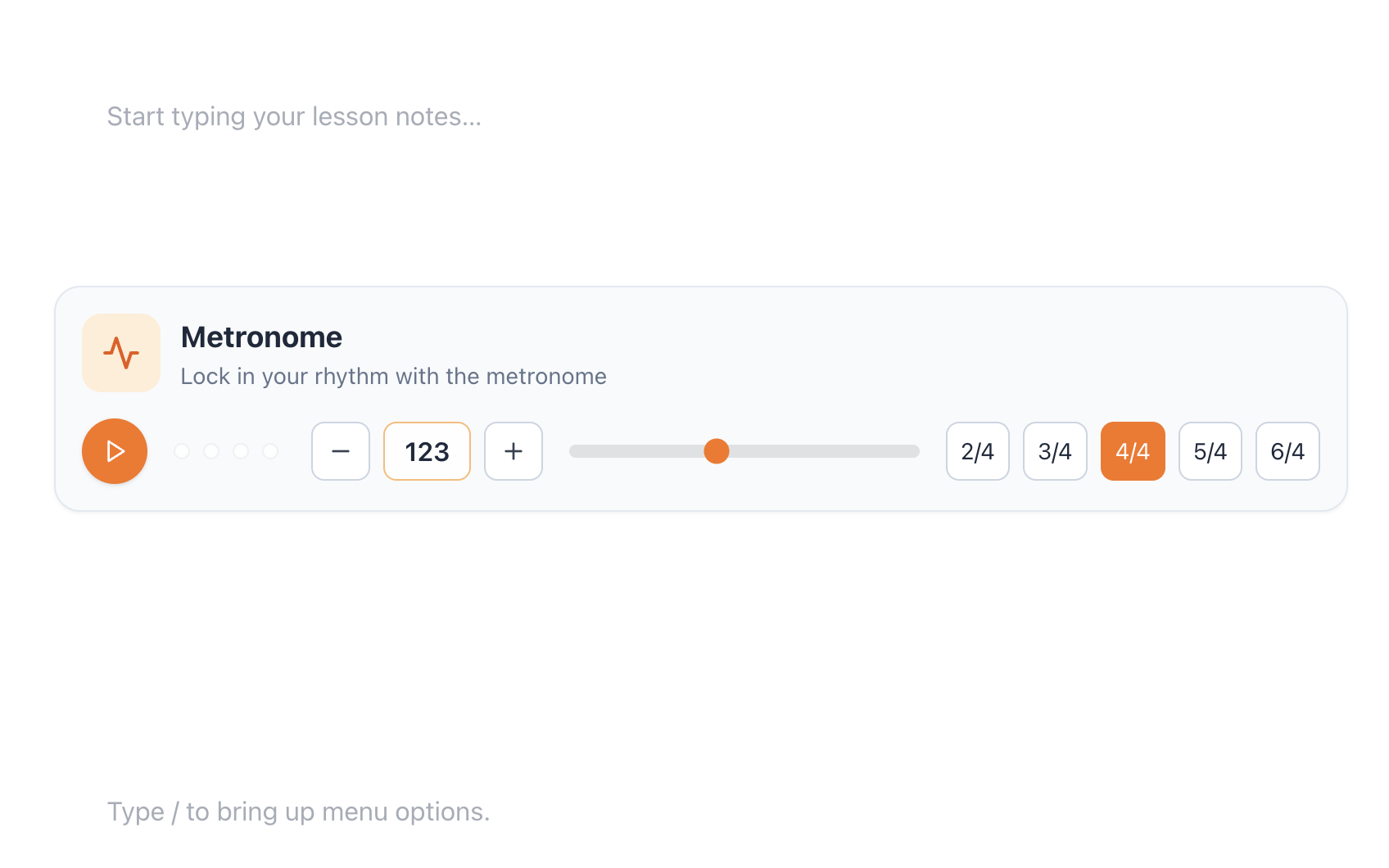
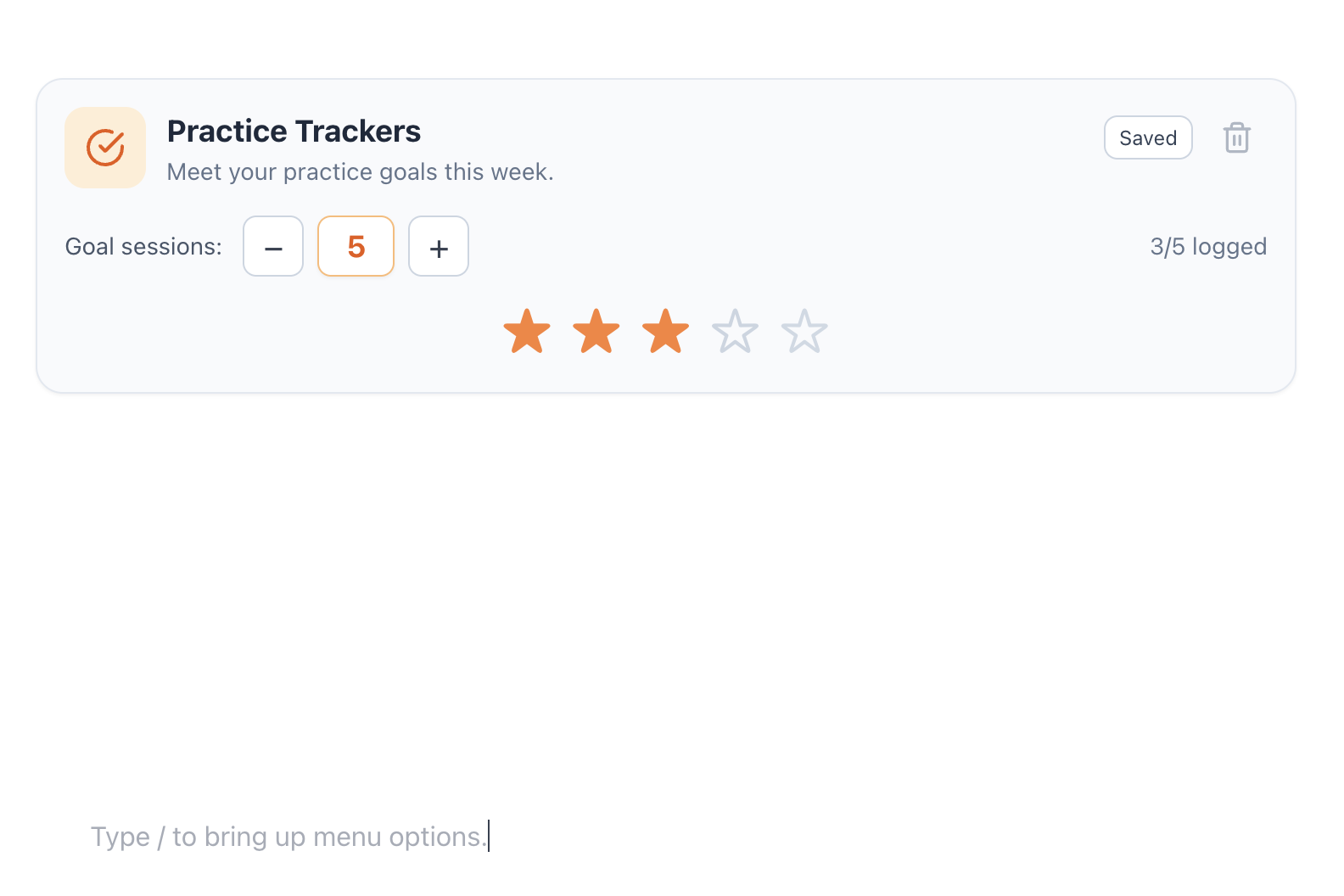
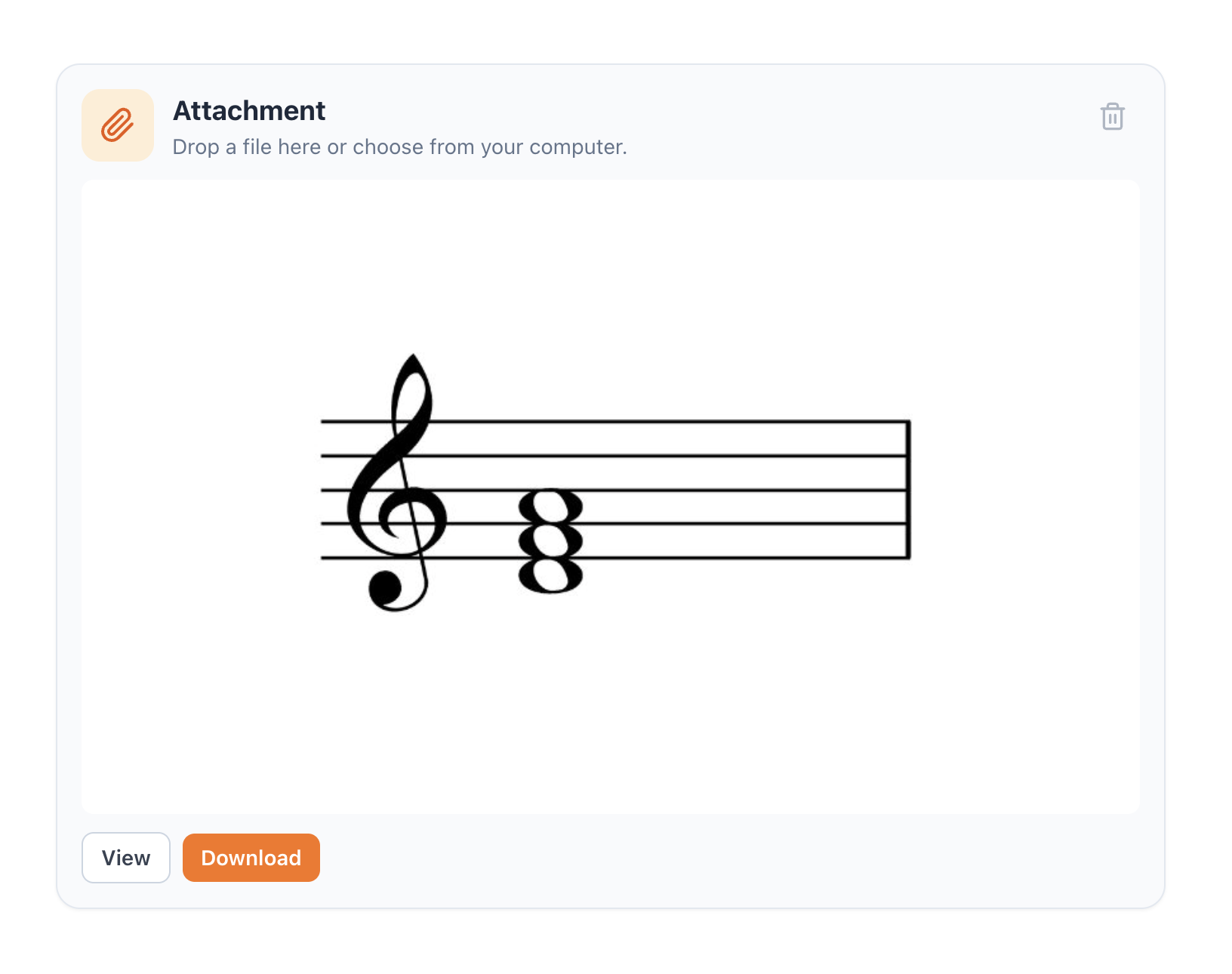
Teaching Tools, Inline
You open one tab for a metronome, another for recording, another for scales… and suddenly you’re tech-support instead of teaching.
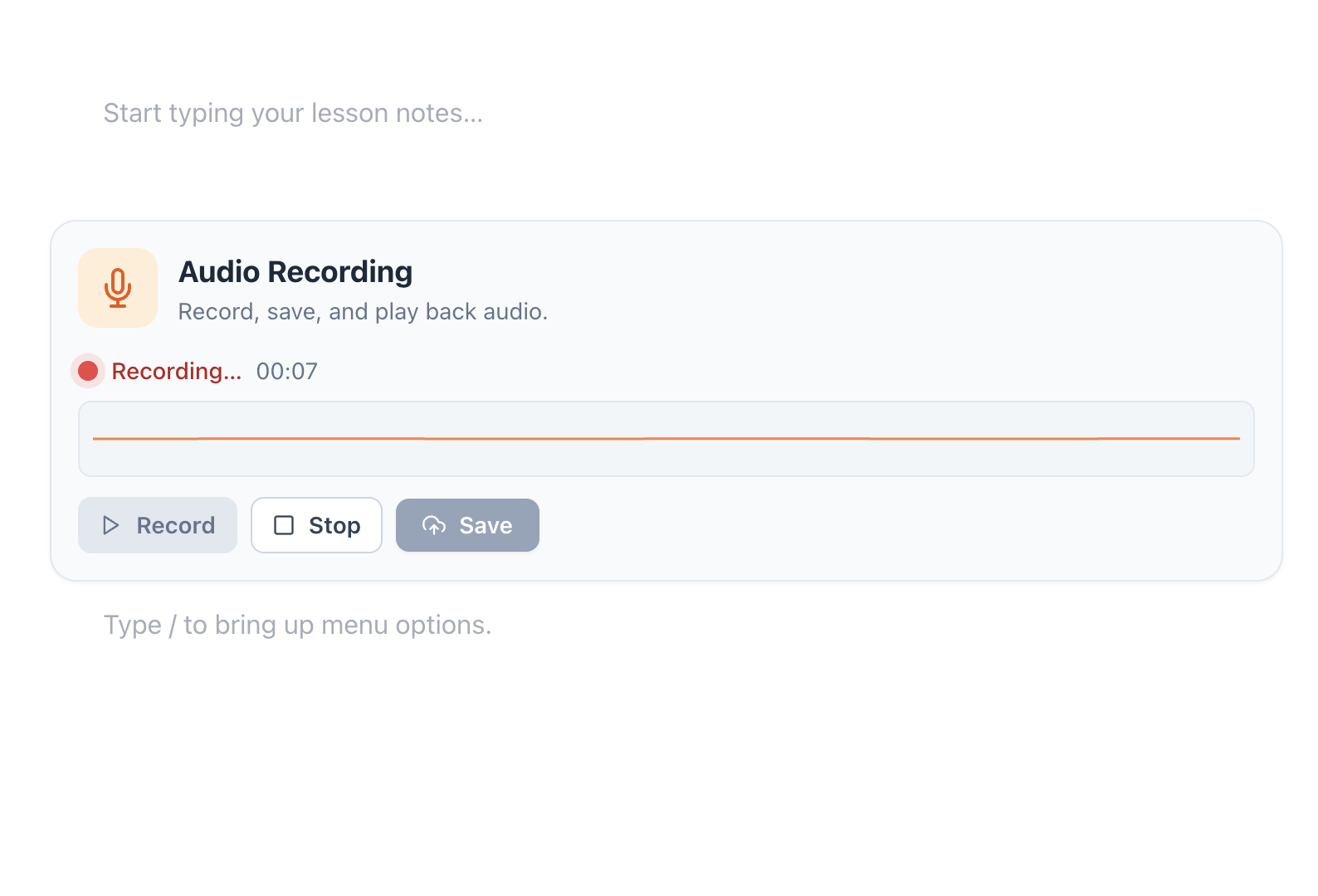
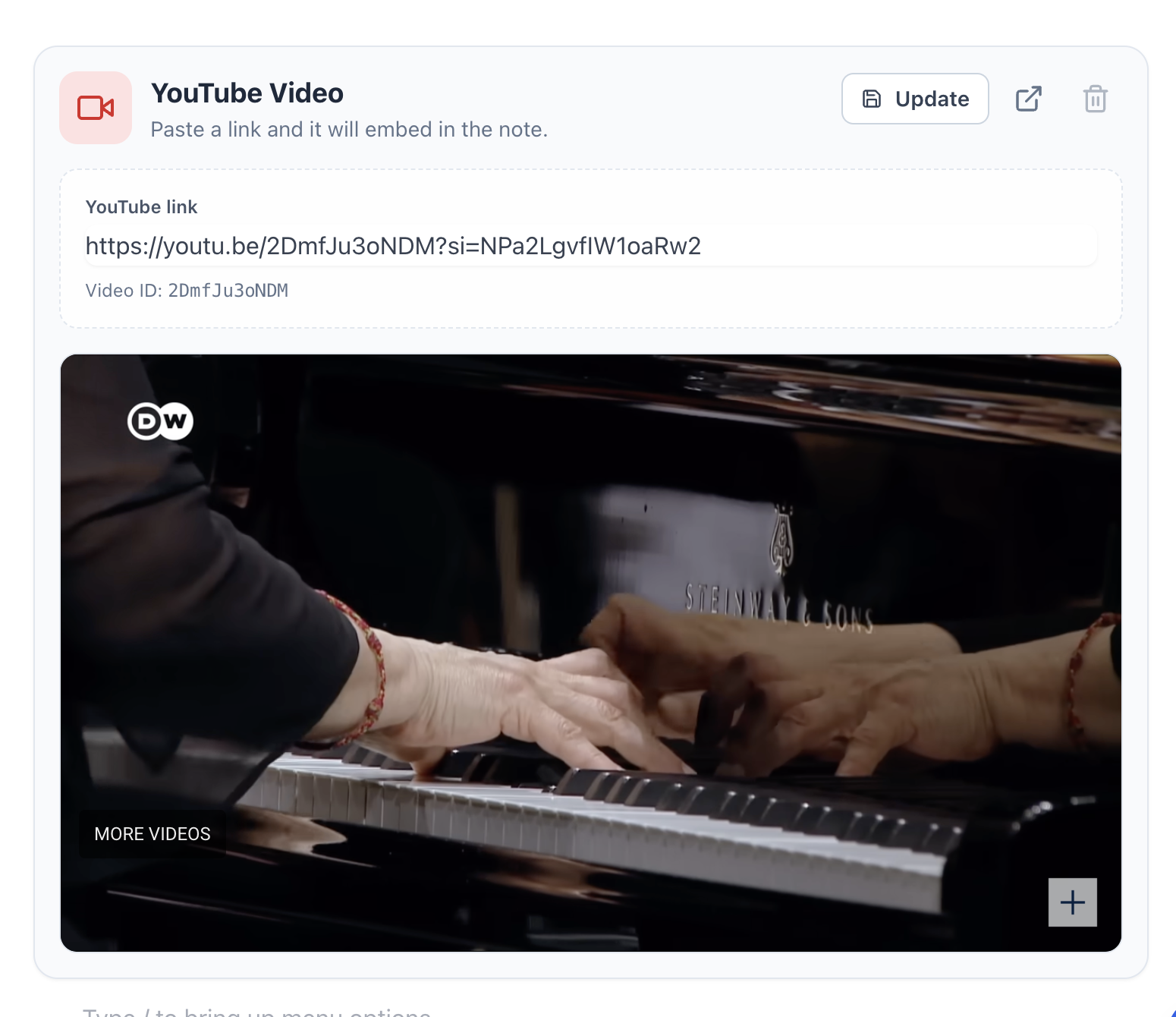
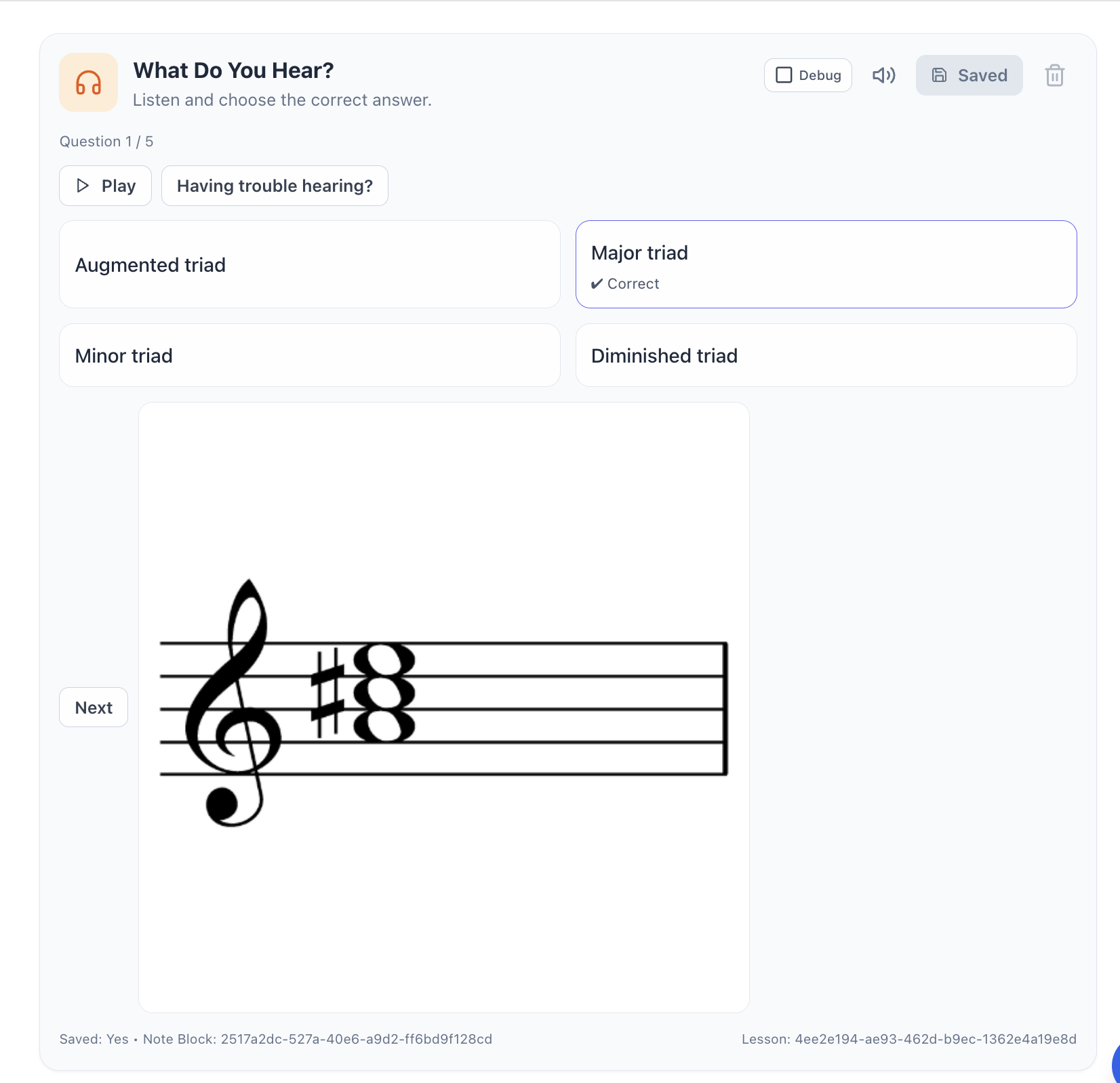
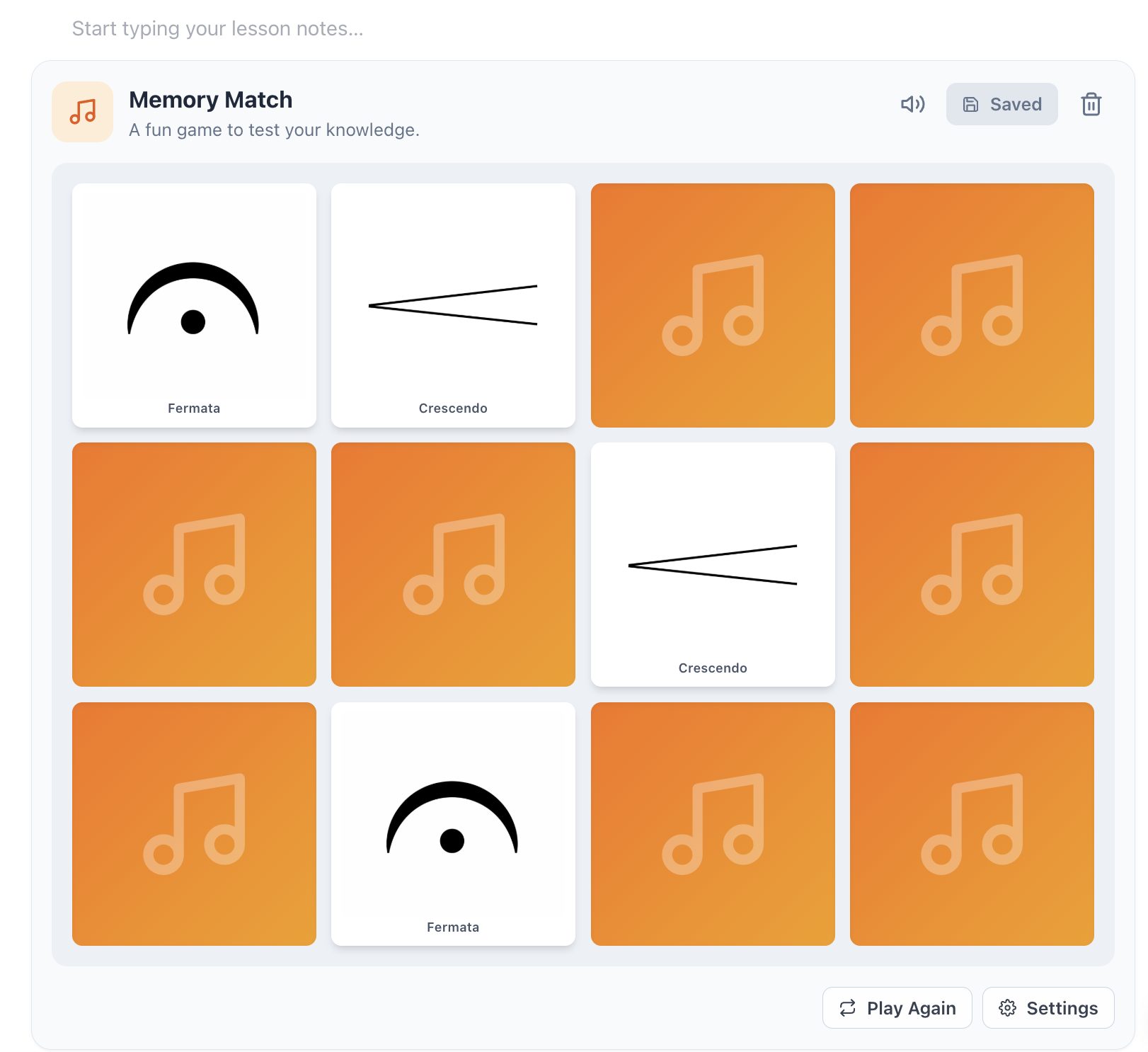
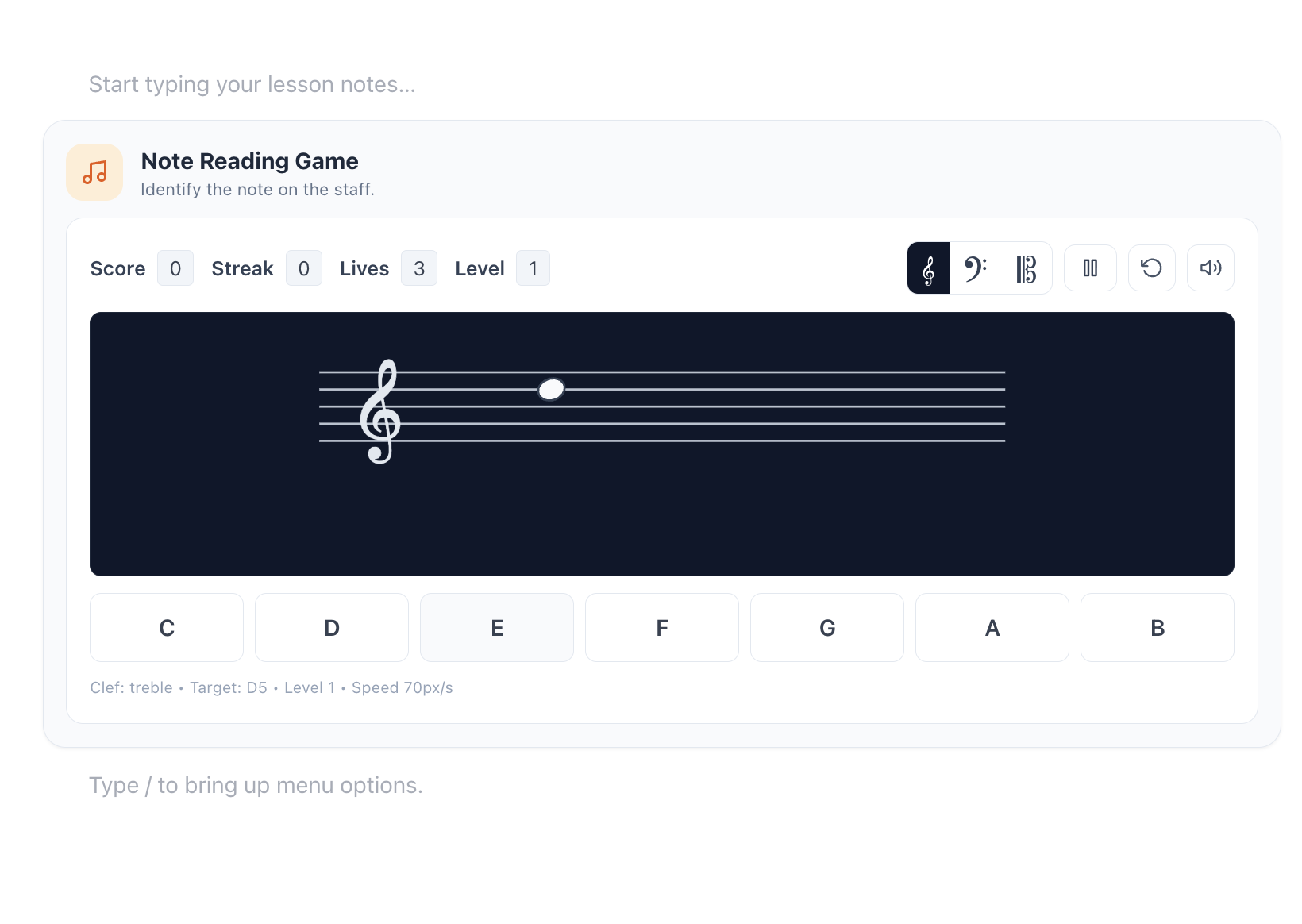
Your metronome, audio recorder, practice tracker, aural practice, YouTube videos and more live right inside the lesson note editor. No need to switch tabs or disrupt the lesson searching for a tool. Just choose from our ever-growing set of educational music tools.
Attendance & Scheduling
Each year you face the scheduling nightmare. Back and forth with families, more parents asking for the 4pm slot, more families needing lesson times changed. You’re constantly switching between calendars, lesson records, and attendance sheets, trying to keep everything straight.
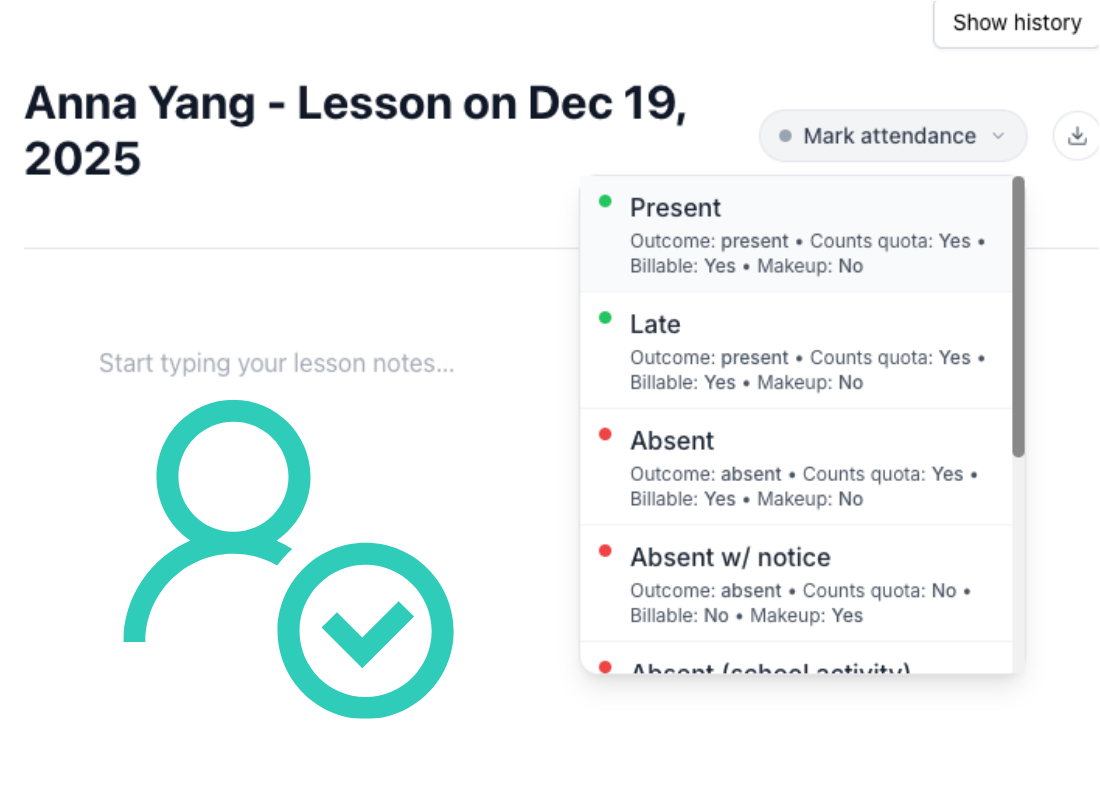
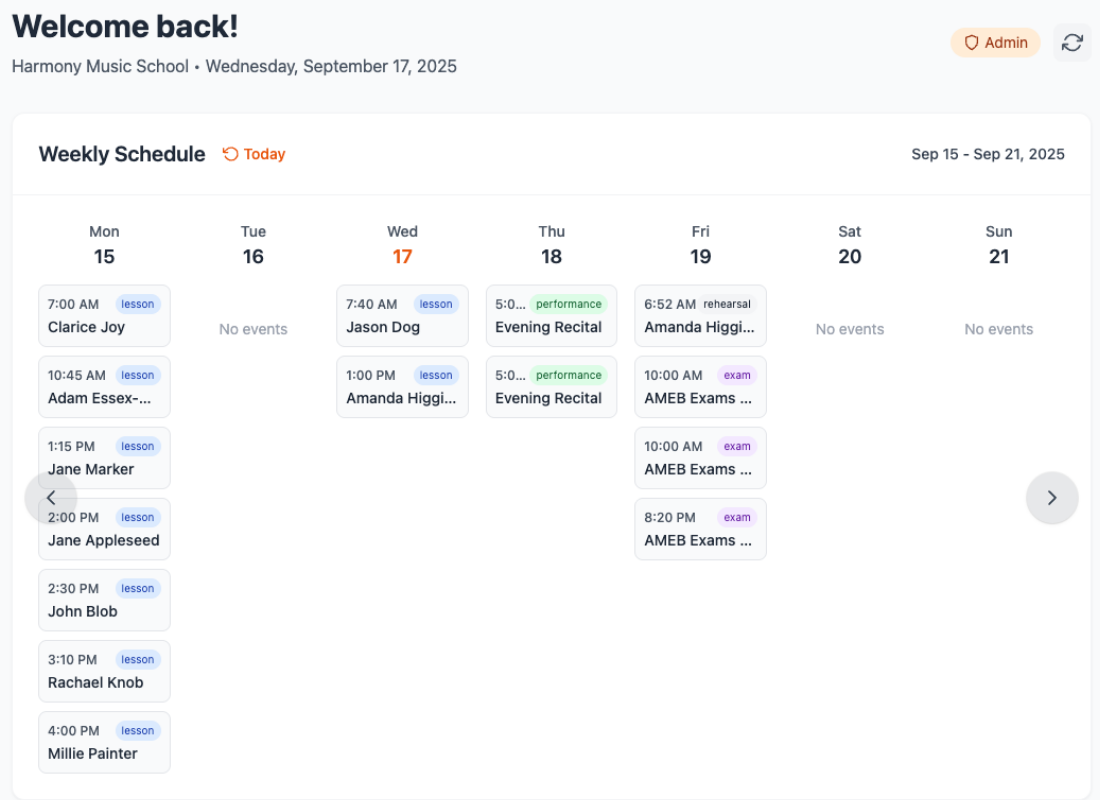
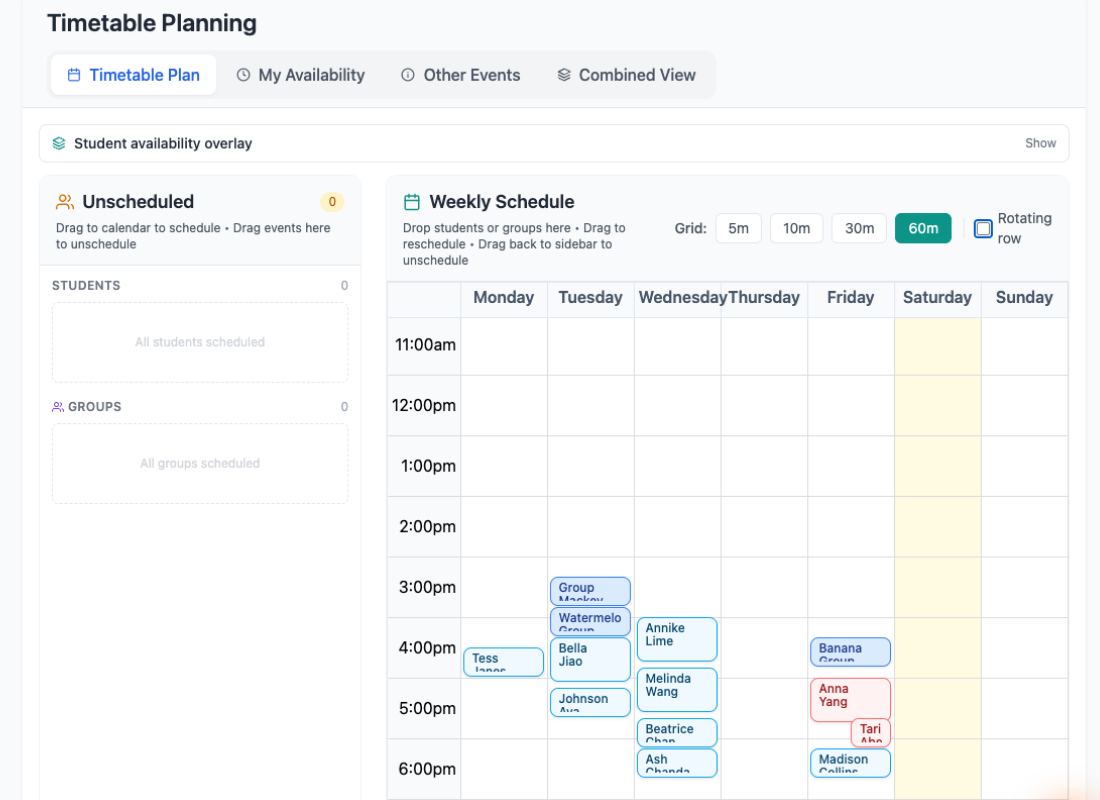
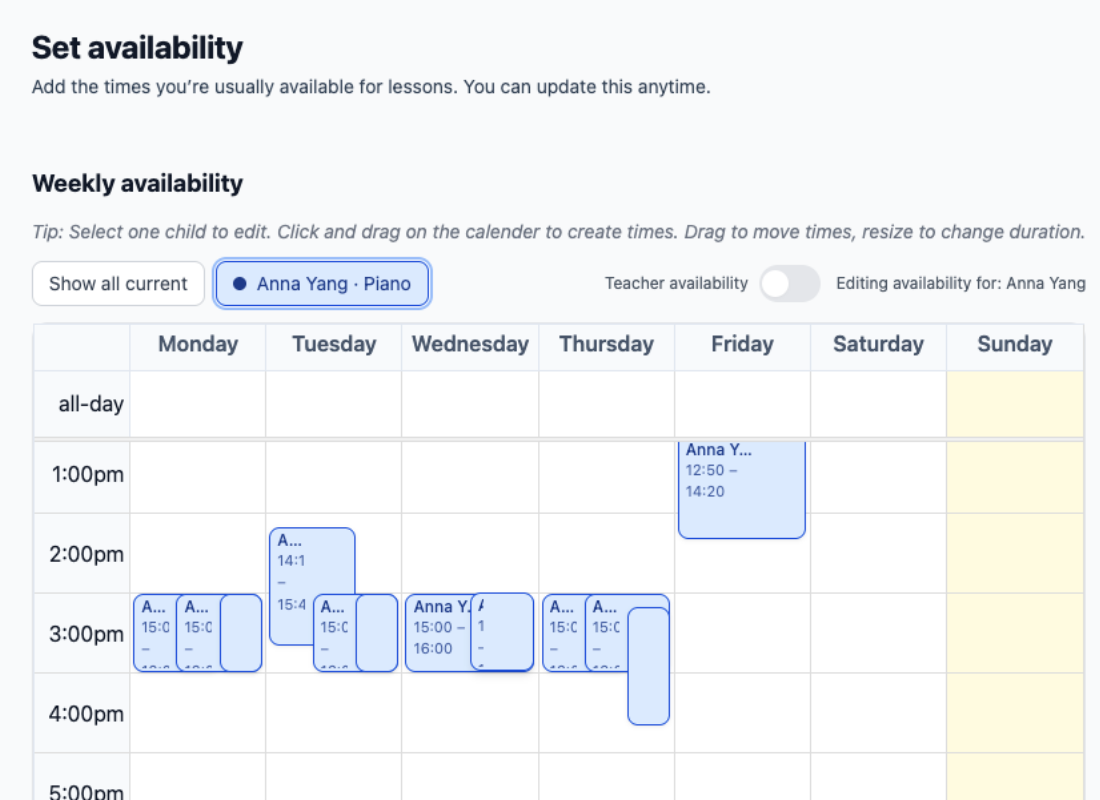
Invite families to submit availability directly in the app. Build your timetable with everyone’s availability visible in one place. Drag and drop students into open slots, and generate your lessons for the term or the year. Track attendance directly alongside your lesson workflow. Everything is connected, so you stay organised and in control.
Communication
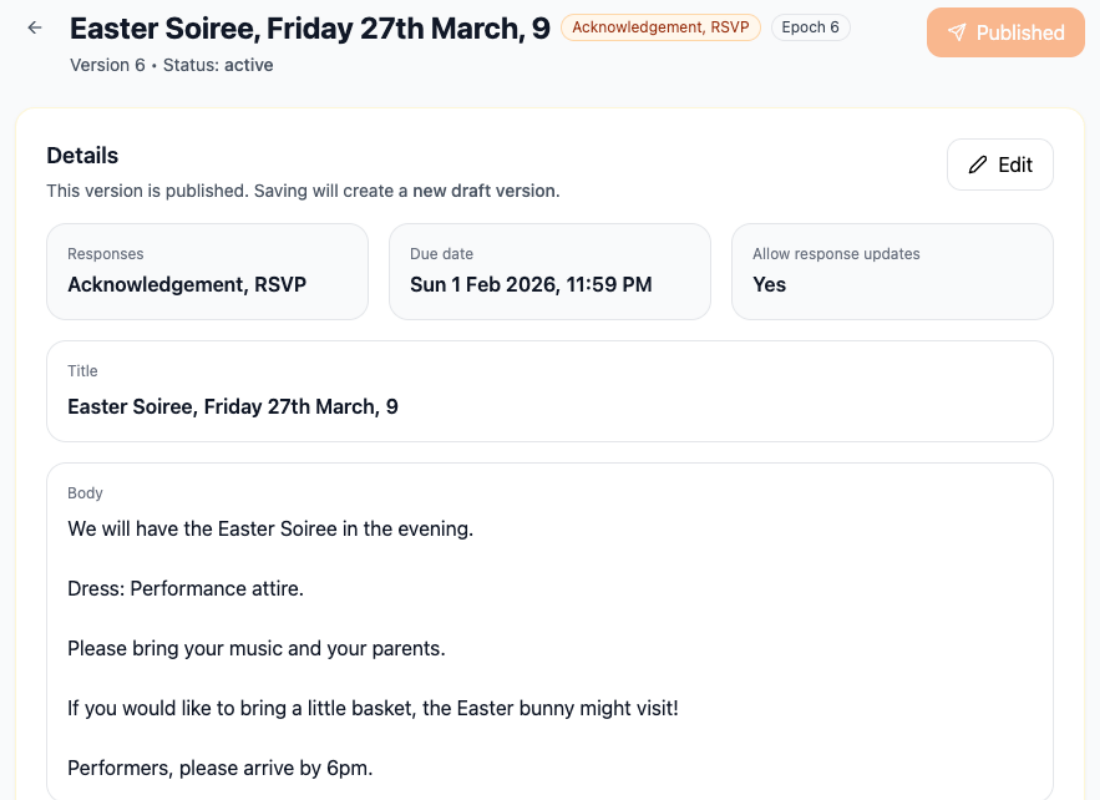
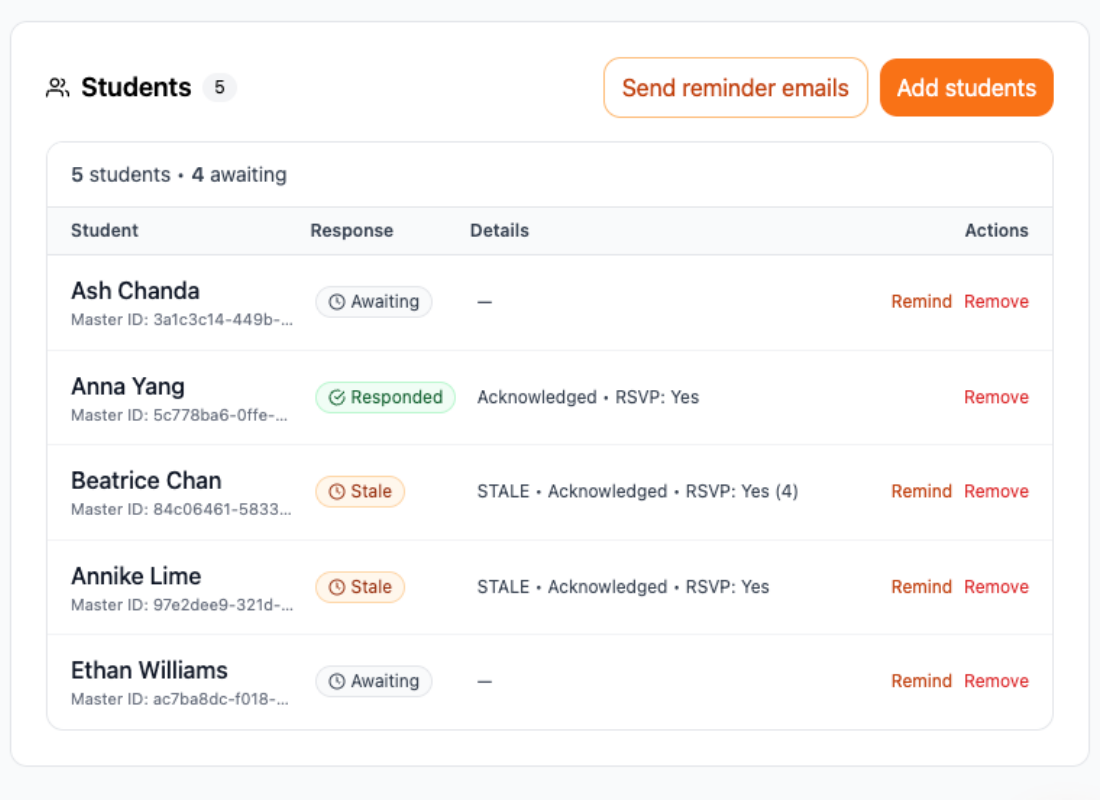
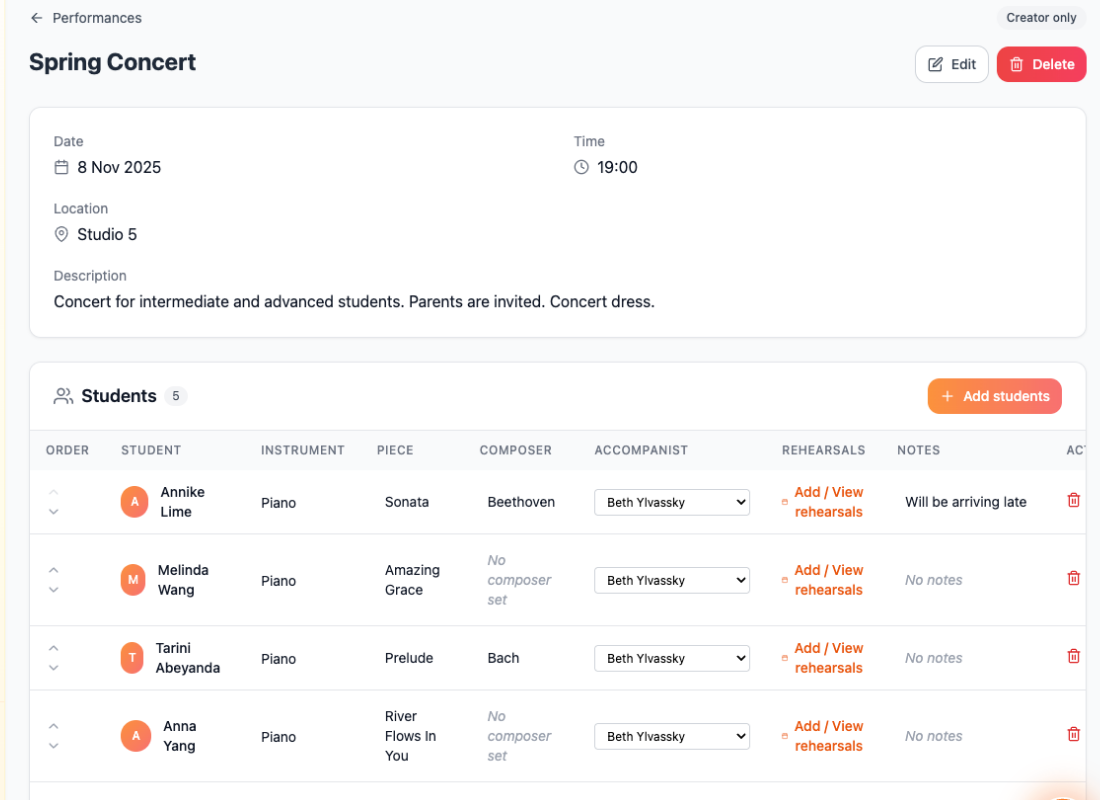
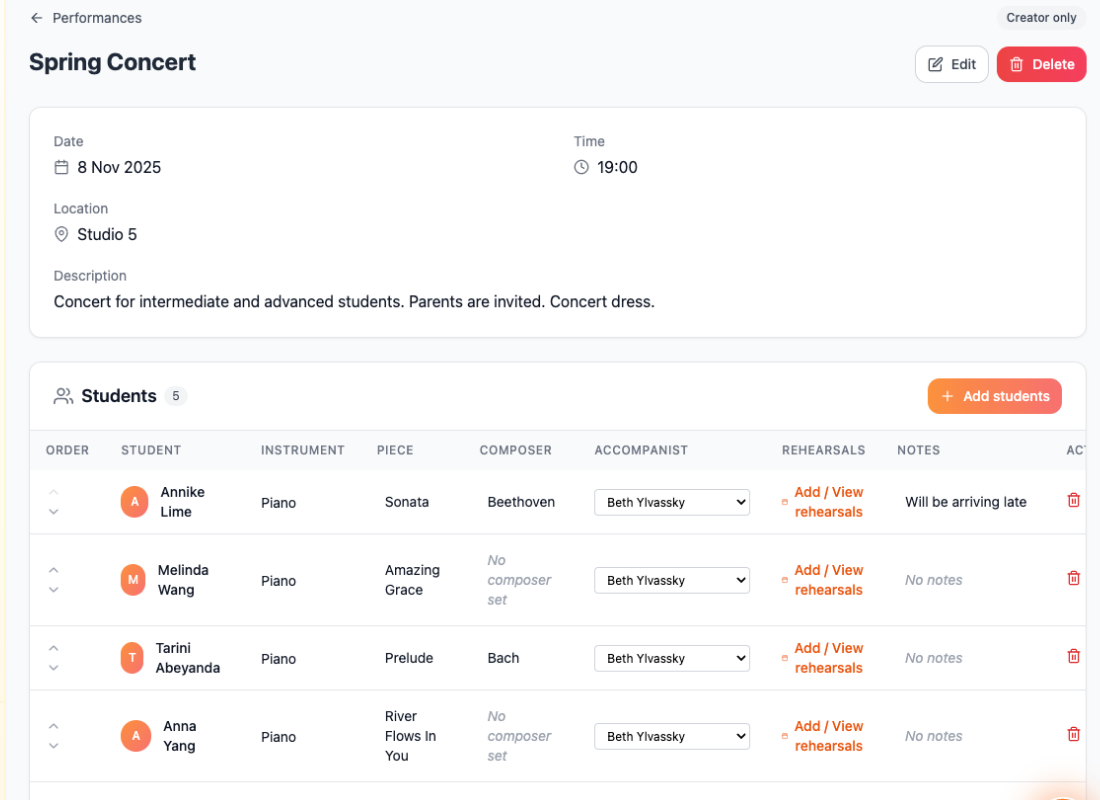
You've got dozens of different message threads, WhatsApp groups and email chains. You send out emails and replies are hit & miss. You don’t know if Johnny or Susie are coming to the concert.
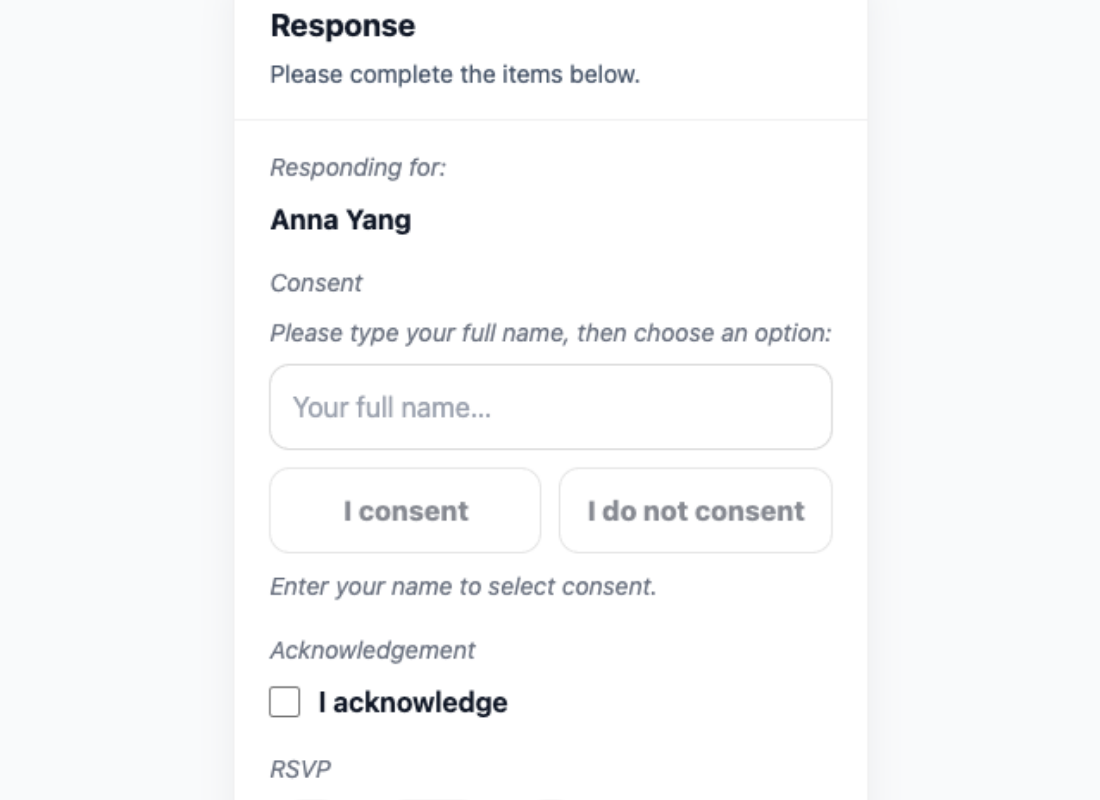
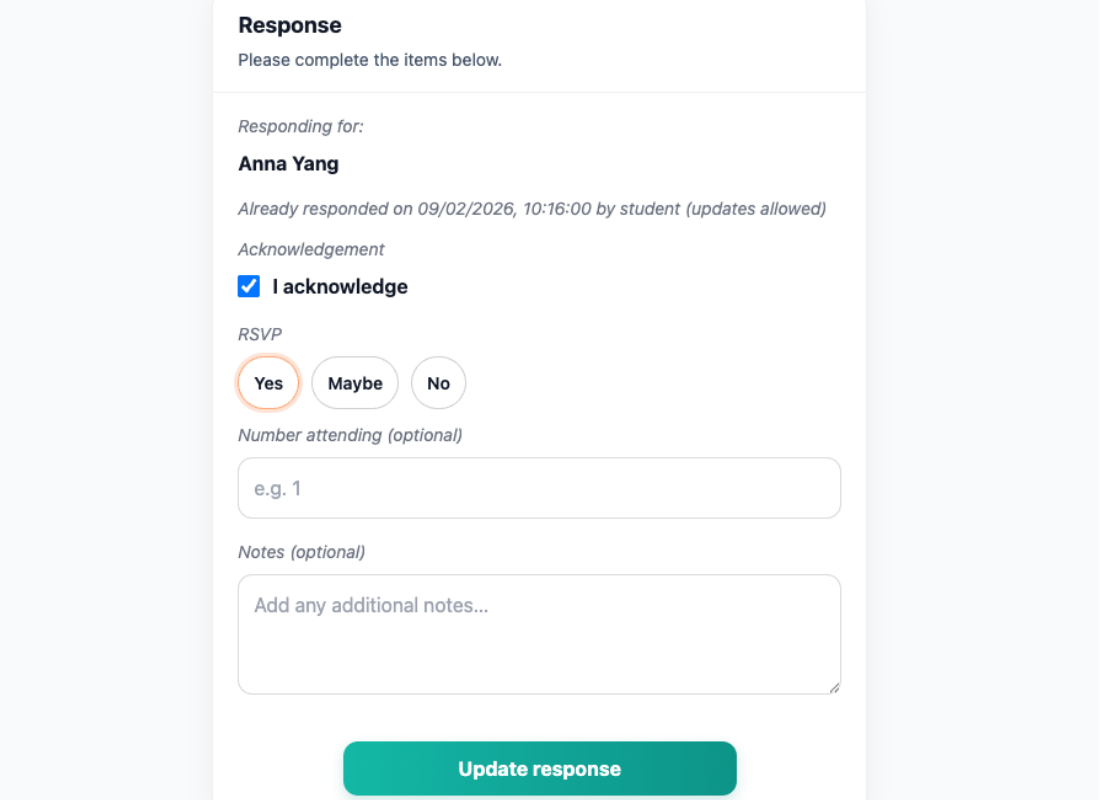
Create News items to send clear, structured updates to the right families and see exactly who’s responded. Add simple RSVPs, consent, or quick responses when needed. Instantly track who’s confirmed, who hasn’t, and send reminders without chasing. Link News directly to your performance list and manage everything in one place.
Billing
Chasing overdue invoices. Awkward money conversations. Manually tracking who’s paid, who hasn’t, and who’s “about to transfer it.” Term fees, make-ups, missed lessons — it gets messy fast.
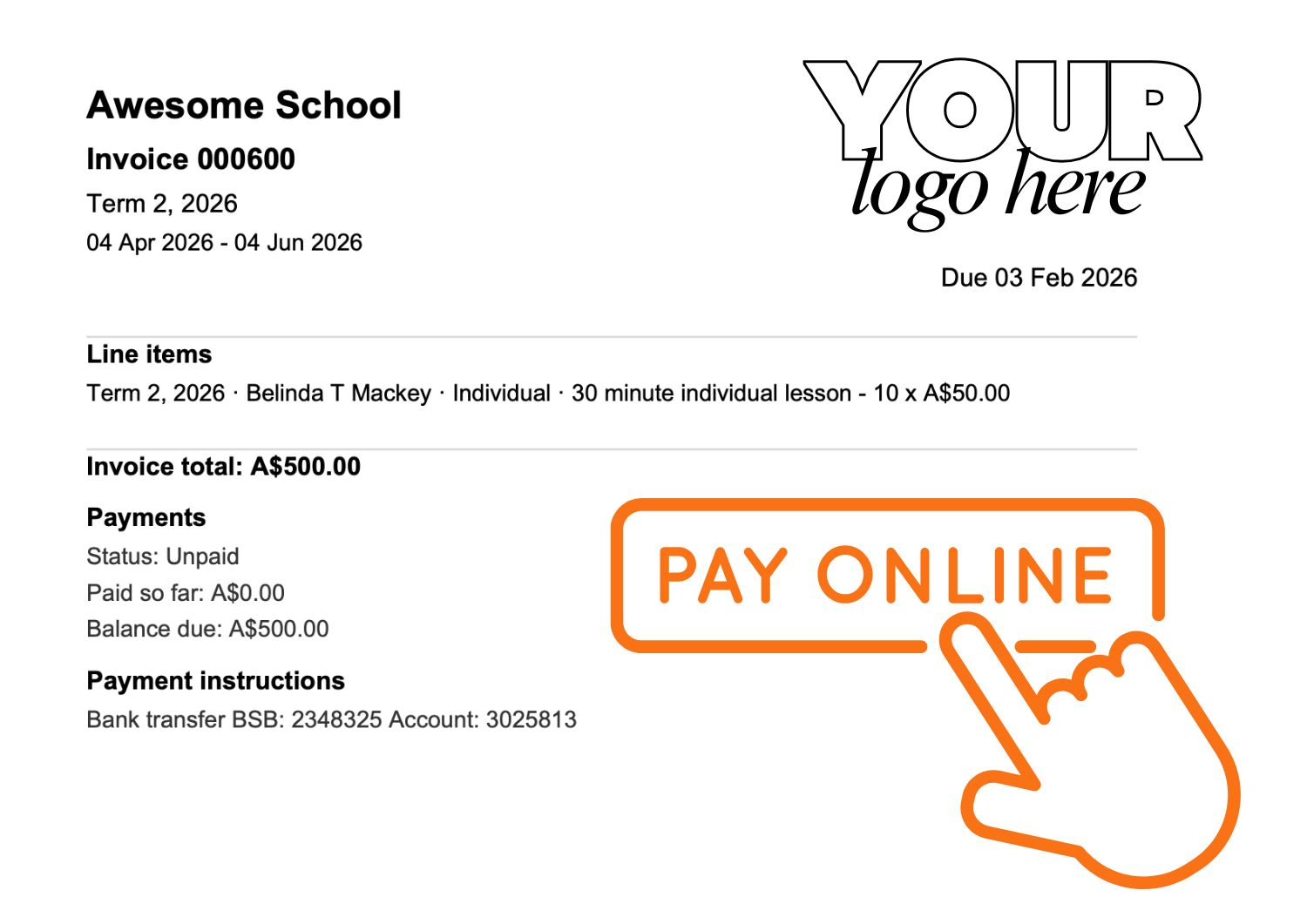
Automatically generate invoices based on your lessons and schedule. Let families pay online, track payments in real time, and see exactly what’s outstanding at a glance. Send reminders without uncomfortable follow-ups, manage term or recurring billing with ease, and keep your studio’s finances organised, without spreadsheets, or handshake agreements, or stress.
Parent & Student access
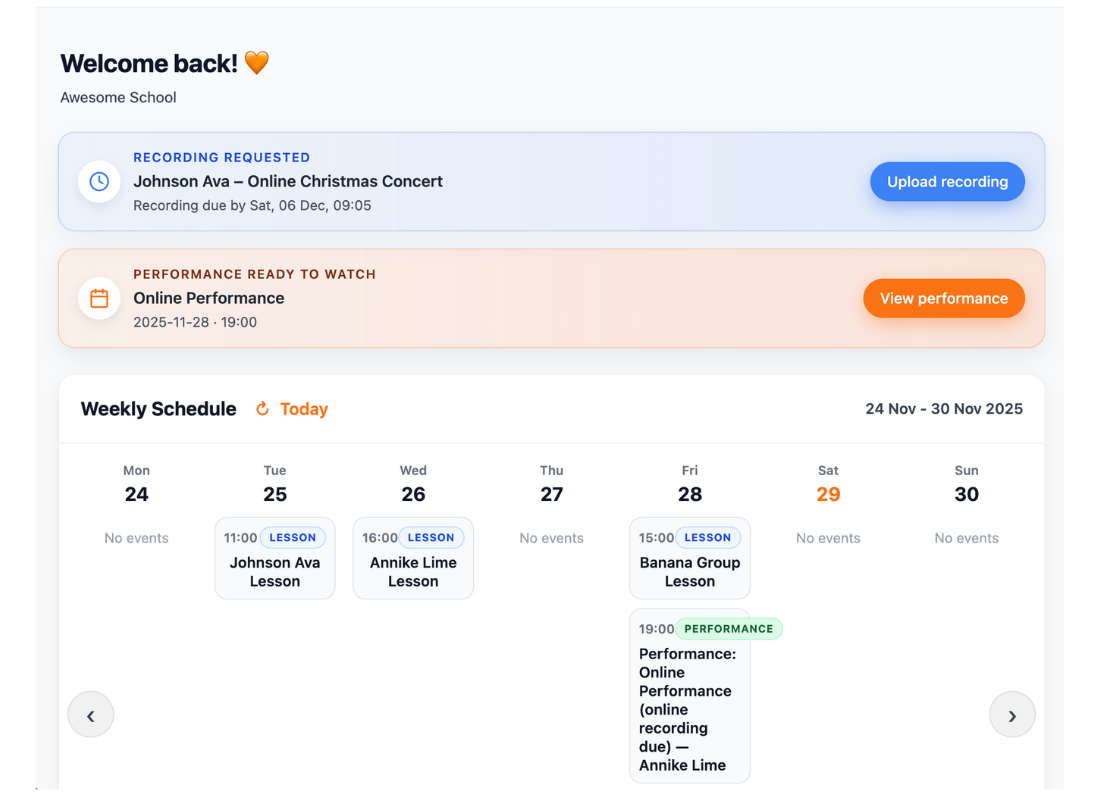
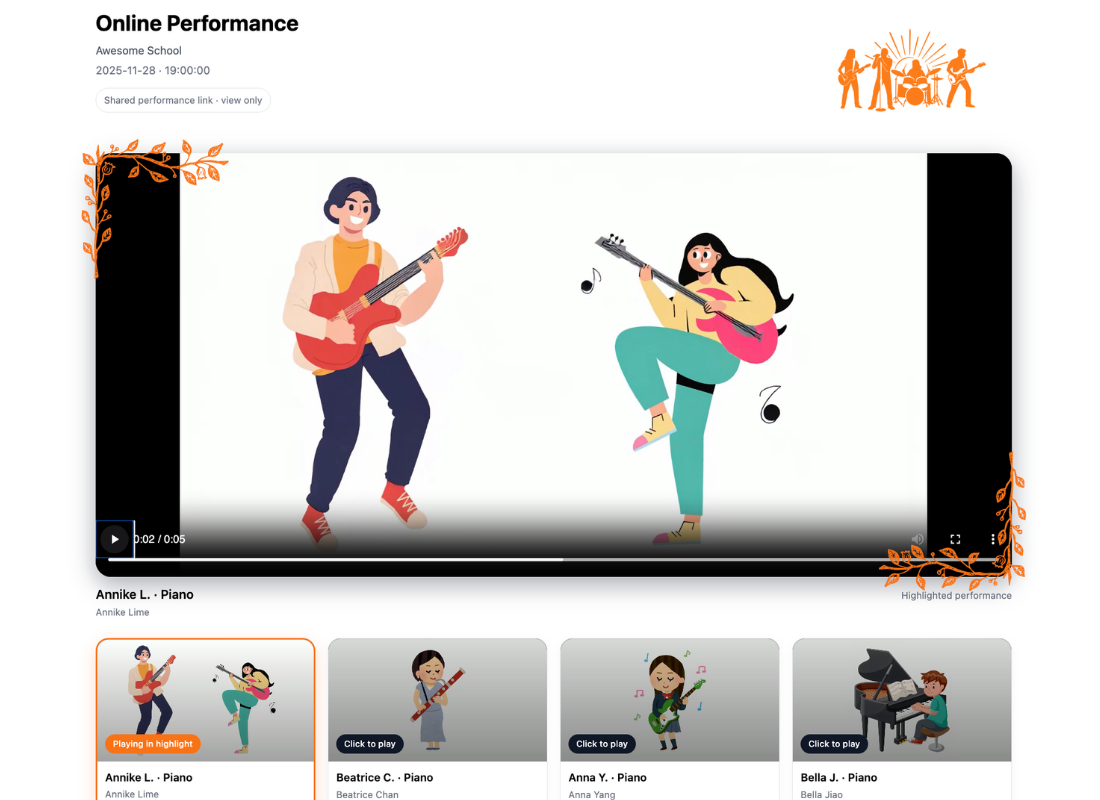
Students forget what to practise. They lose worksheets. They can’t remember how something sounded in the lesson. Progress stalls between sessions. And parents want to help, but they’re unsure what was covered or how to support practice at home.
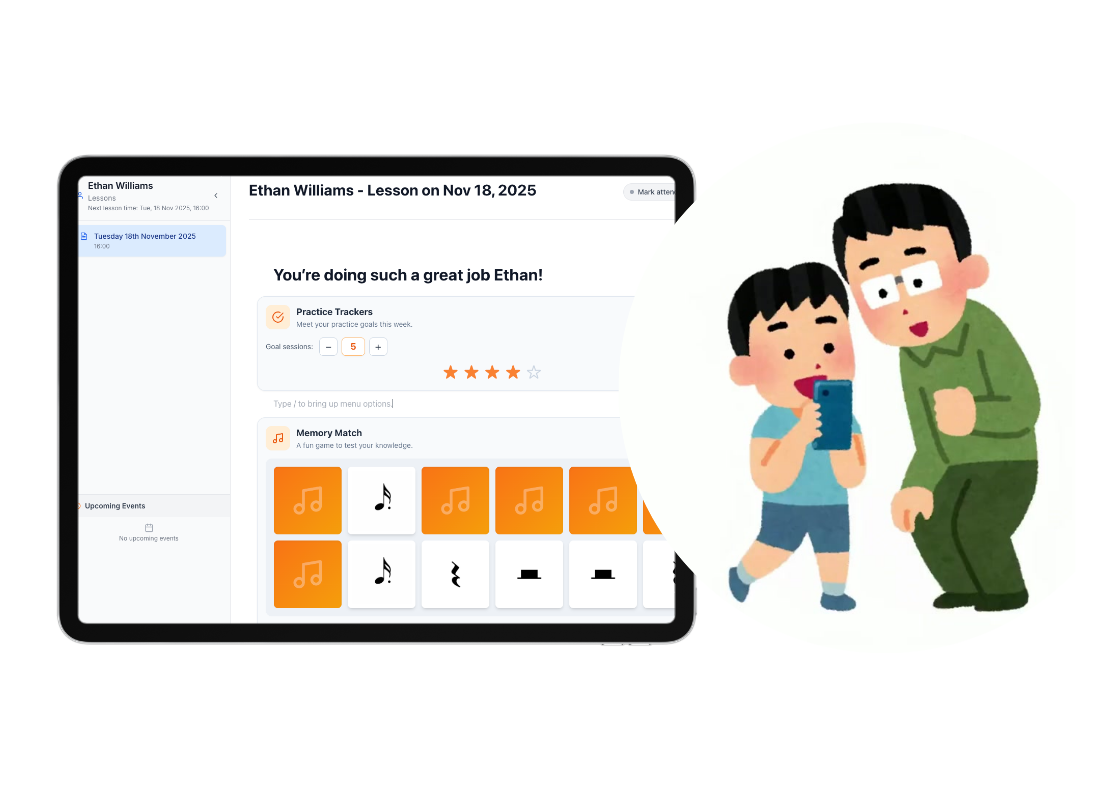
Students can log in, view their tasks, track their practice, and replay lesson audio anytime. What happened in the lesson doesn’t disappear when they walk out the door. Parents can view lesson notes, tasks, and news items. They feel reassured, informed, and better equipped to support their child’s progress.
Music Teaching is your profession
Managing lessons, notes, families and payments shouldn’t feel like a second job.
Autoplays muted. Tap to unmute.
What Teachers Have Told Us
Real feedback from teachers using Octavia in studios and schools.
Thank you for developing a tool that’s free to use - it’s amazing. Overall it is a fantastic tool, very user friendly and easy to navigate. Appreciate all of your hard work.
I’ve been wishing for something like this to help me with my teaching. I realised how much time I was spending explaining the same things to parents, and how much less I do now. The News feature is UNREAL.
I'm sick of doing things so manually. Thanks for this platform. It has made life much easier.
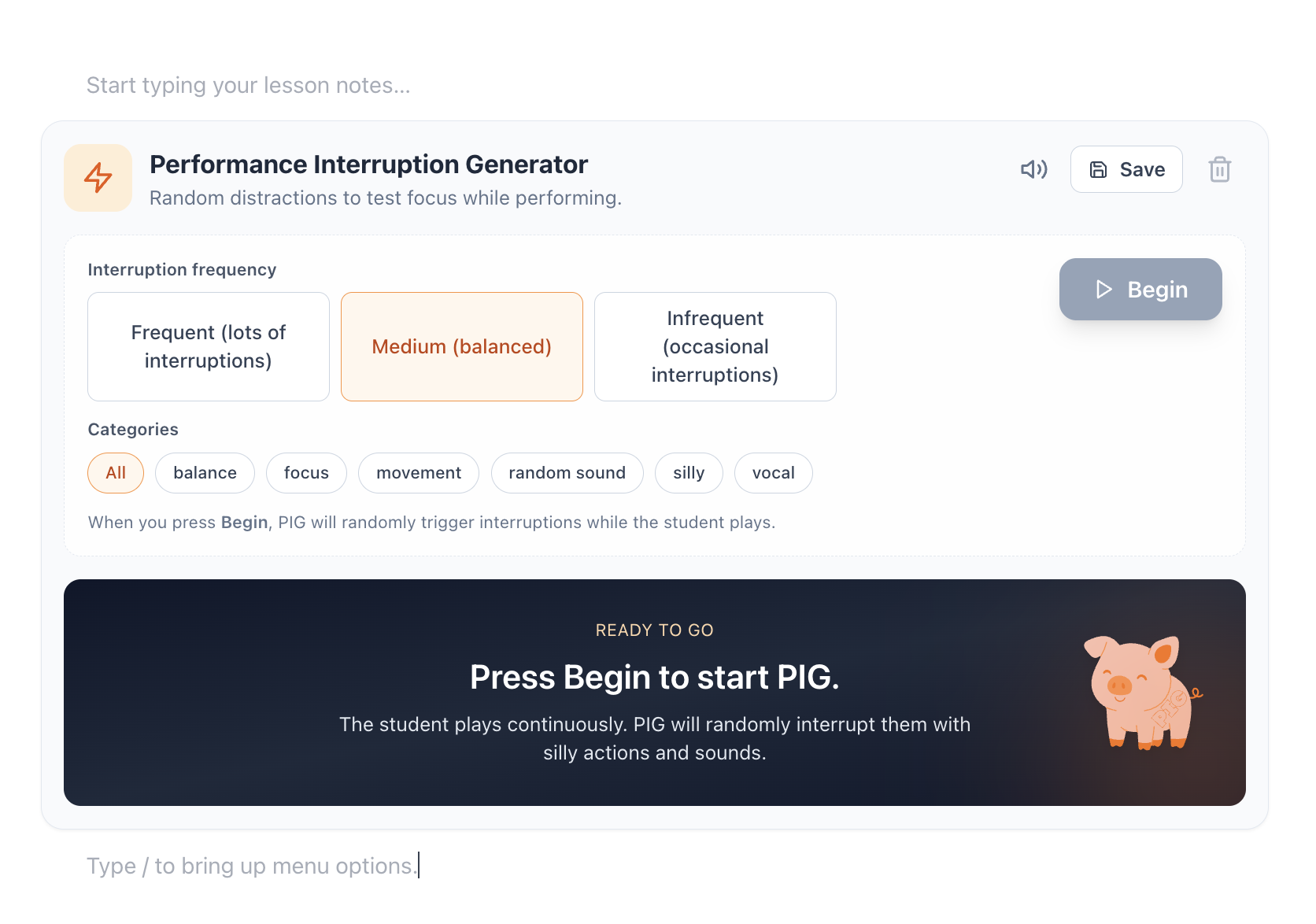
I've started my year and explained to my families who have come that we are using this system. So far so good, and the little kids LOVE the interruptor! We are calling it the Interrupting Pig and they just love it!
Autoplays muted. Tap to unmute.
Try it with one student.
See how it fits your week.
Find it doesn’t save you time? Easy — go back to what you were doing before.
Create your Free Forever account now
Free account • No credit card • Set up in minutes
Frequently Asked Questions
From the Blog
View all
Music Lesson Makeup Policies Explained: Pros, Cons, and Sustainable Choices
Introducing the News feature

Reducing Friction So Things Get Done
What Is My Music Studio Designed to Do?

What Makes My Music Studio Different
Why the Teacher App Isn’t Optimised for Phones

Designing Public Access Without Public Accounts